API Key Management
Last updated: 10/23/2025
You can manage API keys by creating, reading, updating, or destroying them.
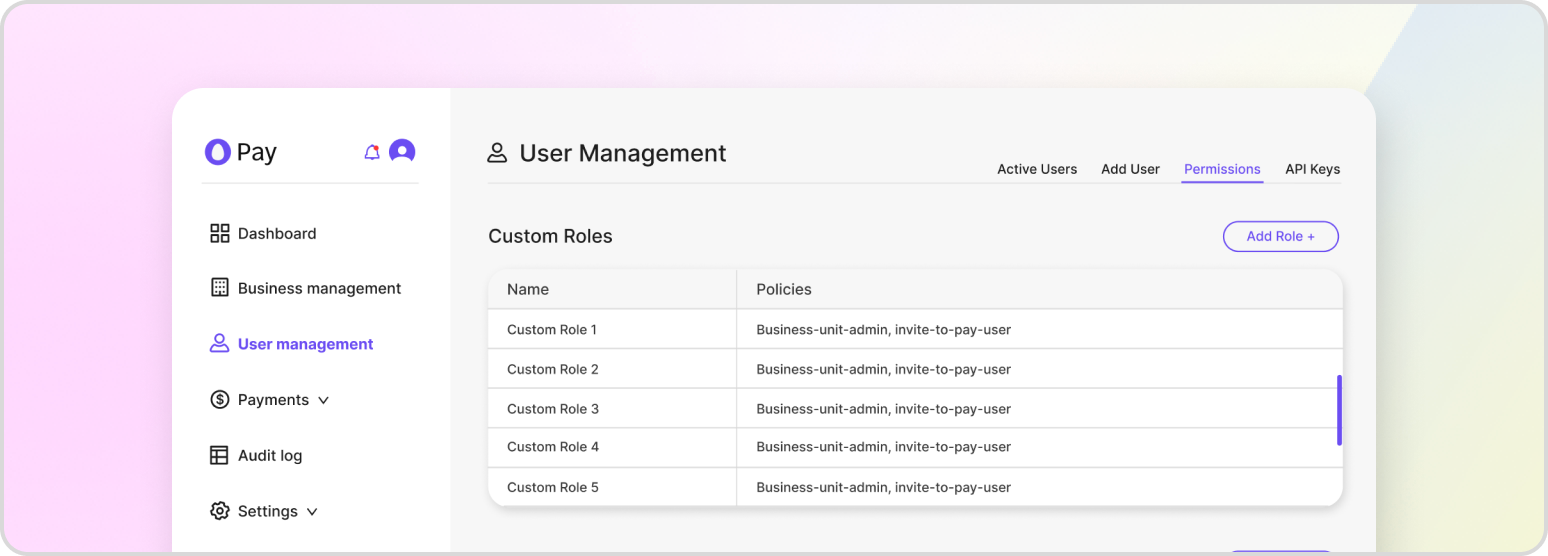
If you possess an API key with admin privileges, you are able to manage API keys that have been registered. This includes creating new API keys, reading information about existing API keys, updating user information, and deleting API keys as needed.
Create an API Key
To create a new API key, you can either generate one through HatchPay’s interface or by making an API call. For more information on generating an API key, refer to Authentication.
Read All API Keys
To view all API keys belonging to your tenant, you can make a GET request to the following endpoint. This will return a list of all API keys associated with your business unit.
GET /v1/api-key/keys
Read a Single API Key
To view the details of a single API key, you will need to make a GET request to the following endpoint. Replace the key ID with the ID of the API key you want to view. This will return information about the specified API key, including its role and any other relevant details.
GET /v1/api-key/keys/{api_key_id}
Assign API Key Role
To assign a new role to an API key, follow the steps in Authentication. This will allow you to attach a new role to the specified API key, granting it additional permissions and access within your business unit.
Delete API Key
Deleting an API key can be accomplished using the following endpoint. All roles attached to it will be de-attached on deletion.
DELETE /v1/api-key/keys/{api_key_id}
Permissions
Each API key has a role attached to it, granting users different endpoints from HatchPay’s systems that they can access. Users with the viewer role will only be able to access GET requests pertaining to the business unit that doesn’t contain sensitive information about its users. GL’s can submit requests that update data within their business unit, but still can’t access information about its users. Finally, the admin role gives all permissions. When assigning a role to an API key, make sure that it has the least privileges required for the owner of it to perform their job.