Authorize Payment
Last updated: 10/23/2025
Authorizing a payment is the first step in the transaction process.
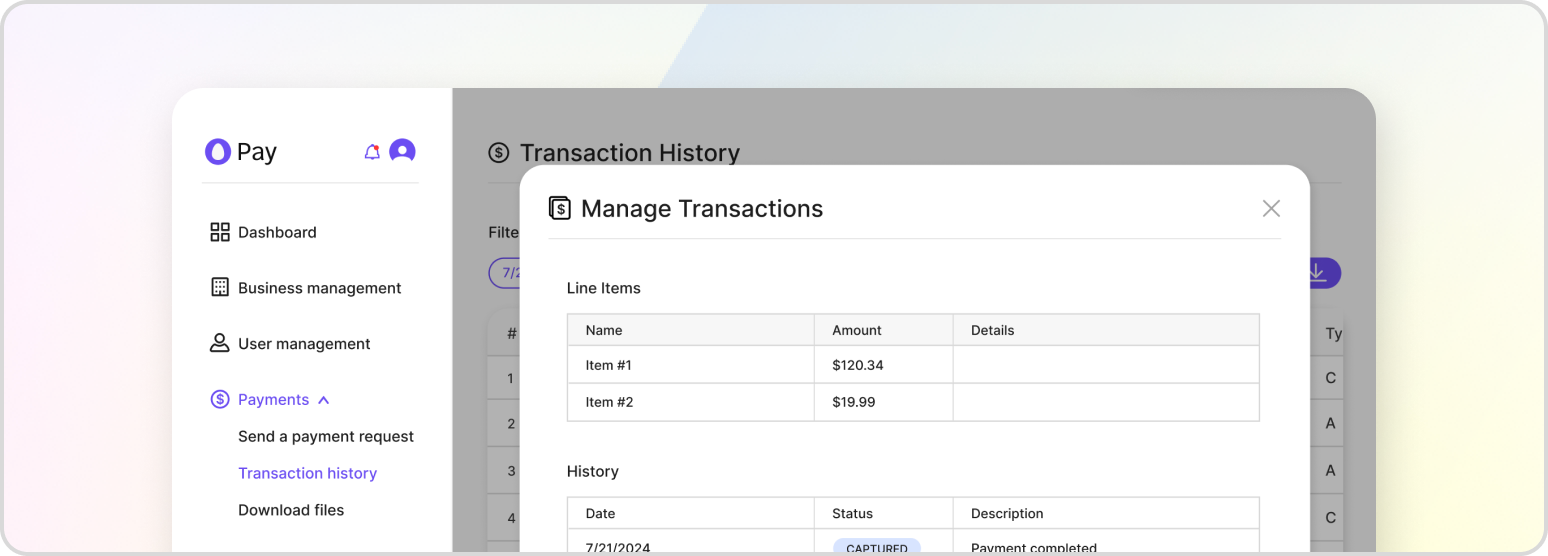
Payment authorization is the first step of the authorization and capture process. Payments are authorized when the payment details for the transaction are checked by the customer’s bank for sufficient funds and lack of suspicious activity. A hold is placed on the customer’s account until the funds go through at a later step to ensure that the merchant is payed the allotted amount per the transaction. If a transaction fails at the authorization step, then the payment cannot go through and the customer will be notified.
Pre-authorizing a Transaction
In some cases, you may want to pre-authorize a transaction without capturing it, such as a customer having their bank account frozen but needs the payment to be able to go through when it’s unfrozen. You can do so by making the following request to HatchPay’s API, assuming you have already created a transaction in a pending state:
POST /v1/payment-proxy/transactions/{transactionId}/complete
{
    "payment_details": {
        "payment_method": "CREDIT_CARD",
        "cc_token": "<CC_TOKEN>"
    },
    "business_unit_id": "7288e738-7a93-40ba-889f-3bdd37ab1d18",
    "payment_orchestrator_id": "f2977c8c-2a9e-4e72-b92d-edc15adf9447",
    "capture": false
}
You may not have the transaction details saved yet. In those cases, you can pre-authorize the new transaction using this request:
POST /v1/payment-proxy/transactions/authorize
{
    "customer_details": {
        "first_name": "John",
        "last_name": "Doe",
        "address": {
            "street": "1 Auto Club Dr",
            "city": "Dearborn",
            "state": "MI",
            "postal_code": "42816"
        }
    },
    "payment_details": {
        "payment_method": "CREDIT_CARD",
        "cc_token": "<CC_TOKEN>"
    },
    "transaction": {
        "payment_orchestrator_id": "7288e738-7a93-40ba-889f-3bdd37abh318",
        "transaction_items": [
            {
                "name": "Test Item",
                "amount": 100.00,
                "quantity": 1
            }
        ],
        "merchant_id": "merchant-123"
    },
    "business_unit_id": "79772e738-7a93-40ba-889f-3bdd37ab1d18",
    "metadata": {"foo": "bar"},
    "capture": false
}
If you need pre-capture instead, please follow the guide in Capture Payment. Otherwise, to capture a payment immediately, see Auth + Capture Payment.