Authentication
Last updated: 10/23/2025
Your API Key allows you to interface with HatchPay's API.
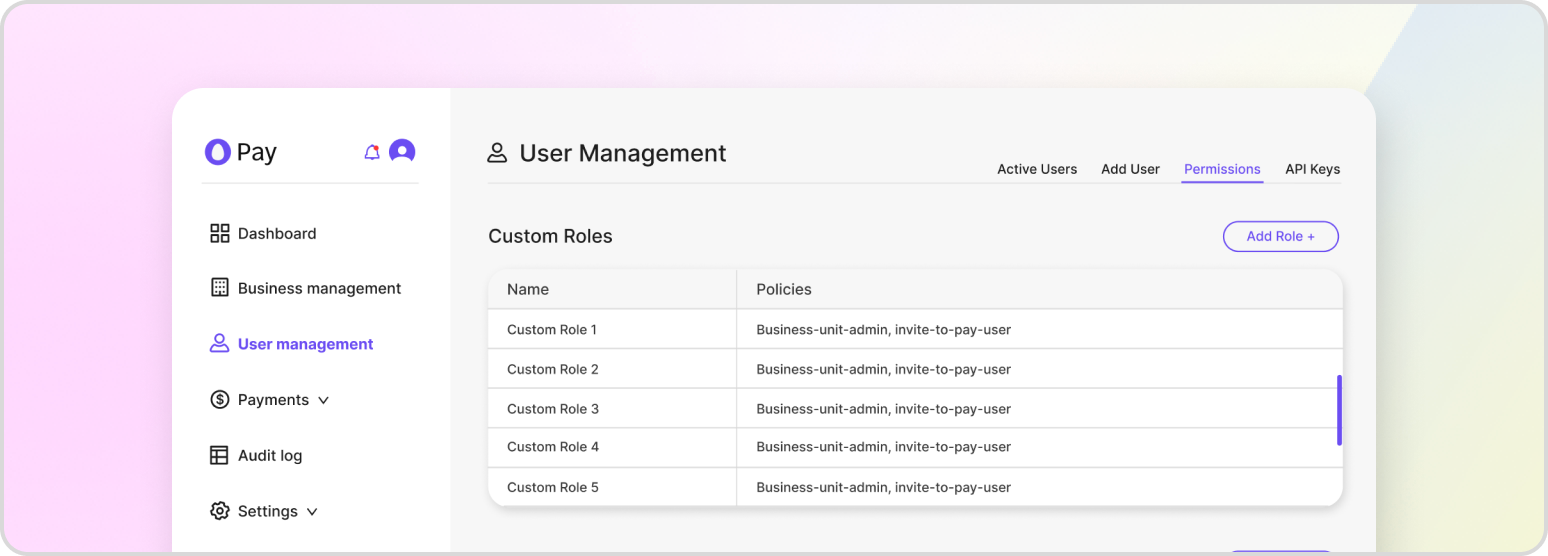
Authentication via API key or JSON Web Token (JWT) is a critical aspect of securing access to HatchPay’s API. By requiring authentication, HatchPay can ensure that only authorized users and systems are able to access the API and make requests on behalf of the system. This helps to prevent unauthorized access and ensure the integrity of the data and functionality provided by the API.
To authenticate via API key, each request must include a valid API key in the request headers. The API key serves as a unique identifier for the user or system making the request, and it is associated with specific roles and policies that define the level of access granted to the API. By comparing the provided API key to the authorized keys on record, HatchPay can ensure that the request is being made by an authorized entity.
In addition to API keys, JWTs can also be used for authentication. A JWT is a compact, URL-safe means of transmitting claims securely between two parties. When using JWTs with HatchPay’s API, the body contained within the JWT can include information such as the user’s identity, their permissions, and any other relevant details. By including this information in the JWT, HatchPay can verify the authenticity of the request and grant access based on the included permissions.
Regardless of whether API keys or JWTs are used for authentication, all requests made to HatchPay’s API will be audited. This auditing process involves tracking and recording each request, along with any relevant details such as the request method, URL, headers, body, status code, and response time. By maintaining an audit trail of all requests, HatchPay can monitor for potential security threats, identify areas for optimization, and ensure that all requests are being handled properly.
Generating an API Key
Creating an API Key involves two main steps: generating a set of credentials and attaching a role to them. When you set up your first API key during tenant onboarding, you will need to go through this process. Afterward, if you want to generate more API keys, you can do so through HatchPay’s API, provided that you have given it sufficient permissions.
To generate an API key, you can use the following endpoint:
POST /v1/api-key/keys
{
    "name": "Tenant API key",
    "description": "Default tenant API key"
}
Once you have generated your API key, you can then use the following endpoint to attach role to it. When setting the API key’s role, ensure that the role you attach to it gives its user the least permissions for what they are required to do to perform their job:
PUT /v1/api-key/keys/{keyId}/roles
{
    "role_ids": [
        "ea13f326-8166-4687-9dec-16f76f183ced"
    ]
}
Retrieving all Roles
All roles may be retrieved by calling the following endpoint. When generating an API Key, it’s useful for reviewing what roles it will need:
GET /roles
Permissions
Each role contains a set of permissions that are attached to it. For example, an admin role will contain all permissions, while a viewer role will limited to “read-only” permissions.
GET /permissions