Capture Payment
Last updated: 10/23/2025
Capturing a payment is the second step in the transaction process.
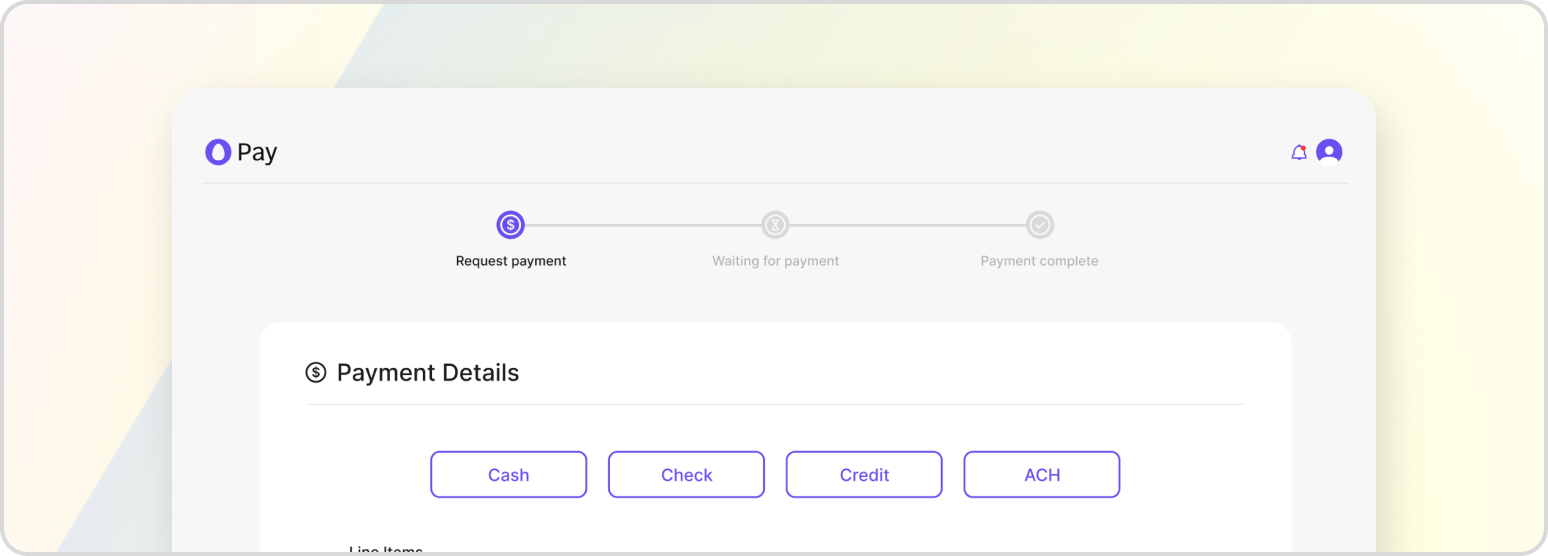
Capturing the funds provided by a customer is the final step in the payment process and is required to complete the transaction. This step only occurs if the previous authorization step was successful, and it involves routing the payment from the customer’s bank account to the merchant’s account. During this step, the hold that was placed on the customer’s funds during the pre-authorization step is released, and the payment is transferred to the merchant’s account.
If the capture step is successful, then the payment is finalized, and the transaction is complete. However, if the capture fails, then there was some issue while the money was being transferred from the customer’s bank account to the merchant’s account, such as a network error or an issue with the payment processor.
Capturing a Payment on a Pre-auth Transaction
Making a request on this endpoint assumes that both the transaction details, customer details, and payment details were all taken earlier in the payment process.
POST /v1/payment-proxy/transactions/{transactionId}/capture
If you need to capture a payment on a pending transaction instead, then please see Auth + Capture Payment.